
M5 Max
Make the complex feel natural.
Up to18-coreCPU
Up to40-coreGPU
Up to128GBUnified memory
Up to8TBSSD storage
32-core or 40-core GPU. Memory up to 128GB requires the 40-core GPU configuration.
Mac Studio · M5 Max & M5 Ultra
Scroll to build momentum
For the next edit, the next mix, and the project you haven’t imagined yet.
01 / Choose your creative engine
From intricate timelines to ambitious scenes, choose the chip that fits the way you create.
Make the complex feel natural.
32-core or 40-core GPU. Memory up to 128GB requires the 40-core GPU configuration.

For the scale of your next idea.
30-core CPU / 64-core GPU or 36-core CPU / 80-core GPU. 512GB memory requires the 36-core CPU / 80-core GPU configuration.
02 / Keep the ideas connected
Bring the footage in. Connect the storage. Keep the next session moving with connections made for a working studio.
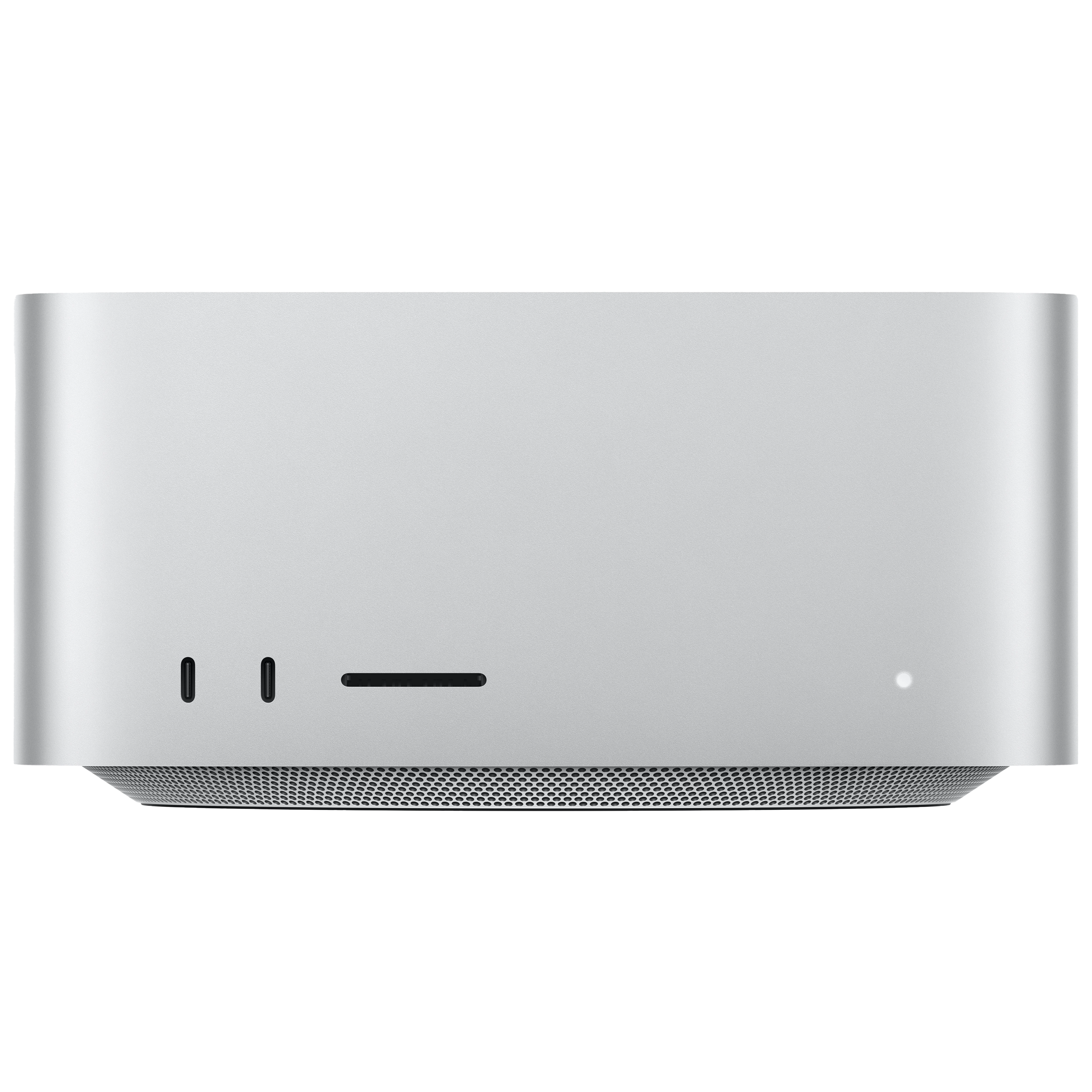
M5 Max: two front USB-C ports, up to 10Gb/s.SDXC card slot (UHS-II) on both models.
Front ports differ by chip. The rear connections above are included on both models.
03 / See more of the whole picture
Spread the timeline, the references, and the details across the setup that works for you.
Supported resolutions and refresh rates depend on the display combination. Displays and accessories sold separately.
Make the next thing your best thing
Choose your chip, memory, and storage. Make room for the work that’s next.
Customize your Mac Studio
_01.png?resizeid=2&resizeh=175&resizew=175)